
Write useful titles and prompts so generated videos are easy to understand, reuse, publish, and find later.
Content reviewed: October 18, 2026.
Video titles
- A title is required for new generated videos.
- Use titles that make sense in Video Library, project cards, and publish dialogs.
- Keep titles short enough to scan, for example “Product hero clip – outdoor desk”.
- Older videos without saved titles may show a shortened prompt fallback.
Prompts
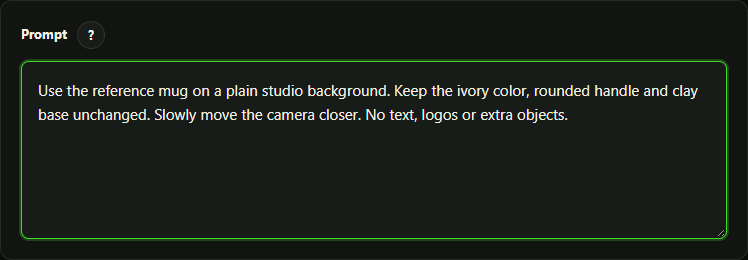
- Use the prompt for scene details, subject, action, camera feel, lighting, mood, and constraints.
- Put reusable naming context in the title, not only in the prompt.
- Avoid adding provider credentials, private customer data, or unrelated site secrets to prompts.
Provider effects
- Hailuo Prompt Optimizer can rewrite or enhance prompt meaning for supported Hailuo flows.
- Google receives your reviewed prompt and supported video settings; native audio is generated with the video request.
- Pro camera motion can append provider-tuned motion guidance for supported provider/model paths.
Product prompts and styles in Pro
Product Video Auto uses product title/descriptions and a selected style to prepare editable scene prompts. Custom prompt avoids the text-provider request. Product Video styles are separate from your saved prompt templates. Review product shape, logos, packaging and claims before assigning any generated result to a storefront.
Review a Product Video scene plan or reuse a saved prompt or history entry.