
Use Start Frame and End Frame images when you need stronger visual control over generated clips.
Content reviewed: October 27, 2026.
What frames do
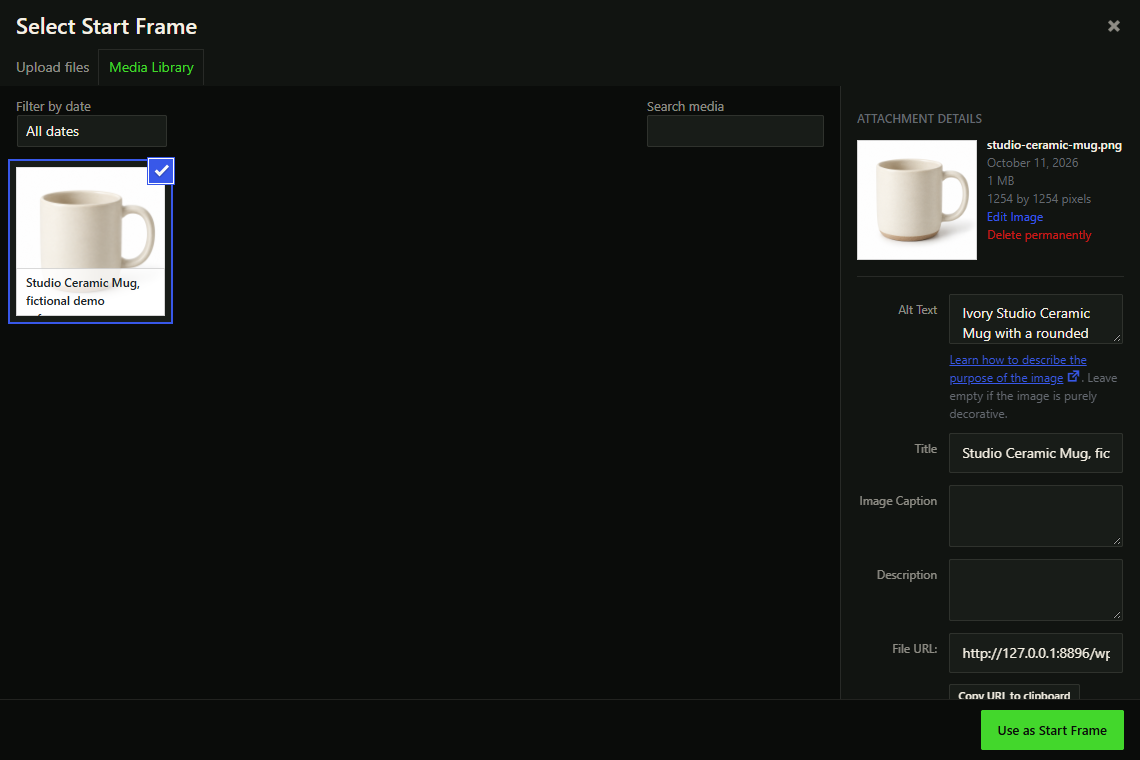
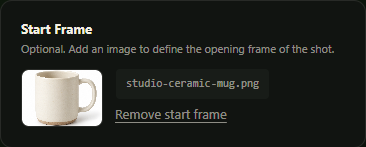
- Start Frame gives the provider an image to use as the opening visual reference.
- End Frame gives supported provider/model combinations a target ending image for interpolation.
- Frames help keep products, characters, composition, and scene direction more consistent.
Image sources
- Choose an image from the WordPress Media Library.
- Use a remote image URL when the UI offers that option.
- For a remote image, use a URL your WordPress site can access.
Supported types
- JPEG.
- PNG.
- WebP.
Provider rules
- Hailuo 2.3 Fast requires Start Frame.
- Hailuo 02 supports End Frame except with 512P.
- Hailuo 512P requires Hailuo 02 and Start Frame.
- Google supports optional Start and End Frames in Single or ordinary Batch. Choose a Start Frame before an End Frame; bound Product Video drafts do not offer End Frame.
Common fixes
- Use a large enough image with a supported MIME type.
- Confirm remote image URLs are reachable by the WordPress server.
- Switch model or resolution if End Frame disappears.
- If a provider rejects a frame, try a simpler JPEG or PNG file.
Google and Gemini images
The Google integration offers optional Start and End Frames in Single or ordinary Batch; End Frame requires Start Frame. Product-bound drafts keep their frame controls locked and do not offer End Frame. Product-bound Gemini image tools can prepare opening images after a separate input/cost confirmation. Picking an existing Media Library image is different from submitting paid image generation. Read the opening-image guide.