
Requires compatible VidFlow AI Free and Pro plugins with an active Pro license.
Keep the product photos and reference files you reuse beside the videos they support.
Content reviewed: October 18, 2026.
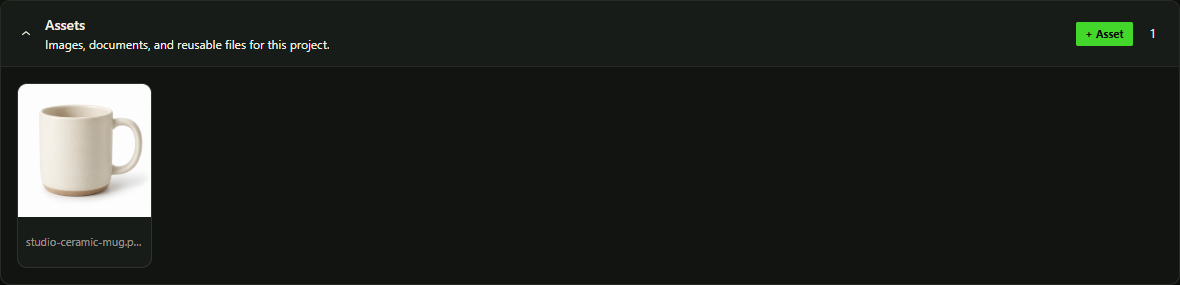
Add files to Assets
- Open VidFlow AI → Projects, then open your project.
- In Assets, choose + Asset. Select files from the WordPress Media Library, or upload files through its normal controls.
- Choose the files to attach and confirm. Files already linked to this project cannot be added again.
- Check the asset cards in the project. Refresh the view if another administrator has changed the project.
Use an image as a frame
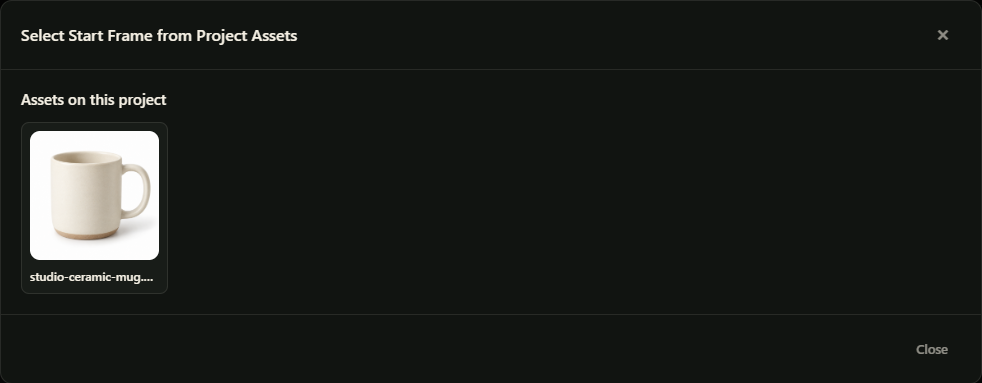
- Open Create Video in the same project context, or choose Use as reference on a supported asset.
- For a supported Start Frame or End Frame field, choose Assets beside the frame controls.
- Select the image and check its preview. The selected provider and model must support that frame type.
- Review the prompt and remaining settings before submitting video generation.
Project assets link to files in the WordPress Media Library.
Remove an association
Use the asset’s remove action when the file no longer belongs in this project. Removing the project association does not delete the Media Library attachment. Delete a file through the Media Library only after checking where else it is used.
Product Video drafts use their own reference
For prepared WooCommerce drafts, change scene images through the Product Videos review controls. Use Regenerate Image when you need a new image, and review its estimated provider charge first.