Requires VidFlow AI Pro. Your provider bills text, image and video generation separately.
Content reviewed: October 18, 2026.
Use Gemini prompt tools to prepare WooCommerce Product Video drafts.
Choose a connection and text model
- Open VidFlow AI > Settings. Under AI prompt connectors, expand Gemini setup.
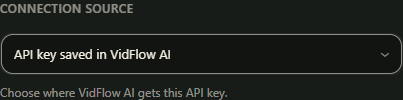
- Choose the native Google key saved in VidFlow AI, or an available compatible WordPress-managed Gemini connection.
- Configure and save the selected connection source.
- Choose and save an exact supported text model before Auto. This is required for both native and WordPress-managed connections.
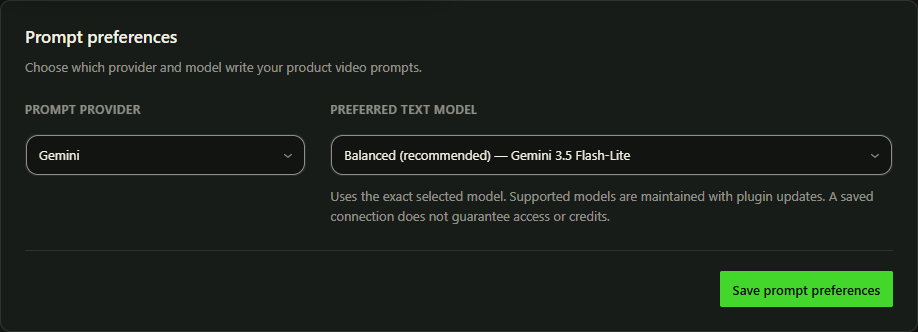
Models are maintained through plugin updates
Choose a supported text model and save it. Model-list updates arrive with plugin updates.
VidFlow uses your selected provider, connection source and model. For a WordPress-managed connection, keep WordPress and its AI-provider packages compatible. Keep Free and Pro updated together.
Check provider access, credits, billing and quota in your provider account. Recover an existing request before starting another.
Shared key and hidden saved providers
The Google key saved in VidFlow AI is shared by Google video and compatible Gemini image tools. Changing or removing it affects those connections. WordPress-managed credentials stay in WordPress. If an older OpenAI preference is saved, select Gemini and save the change.
Use Auto or choose Custom
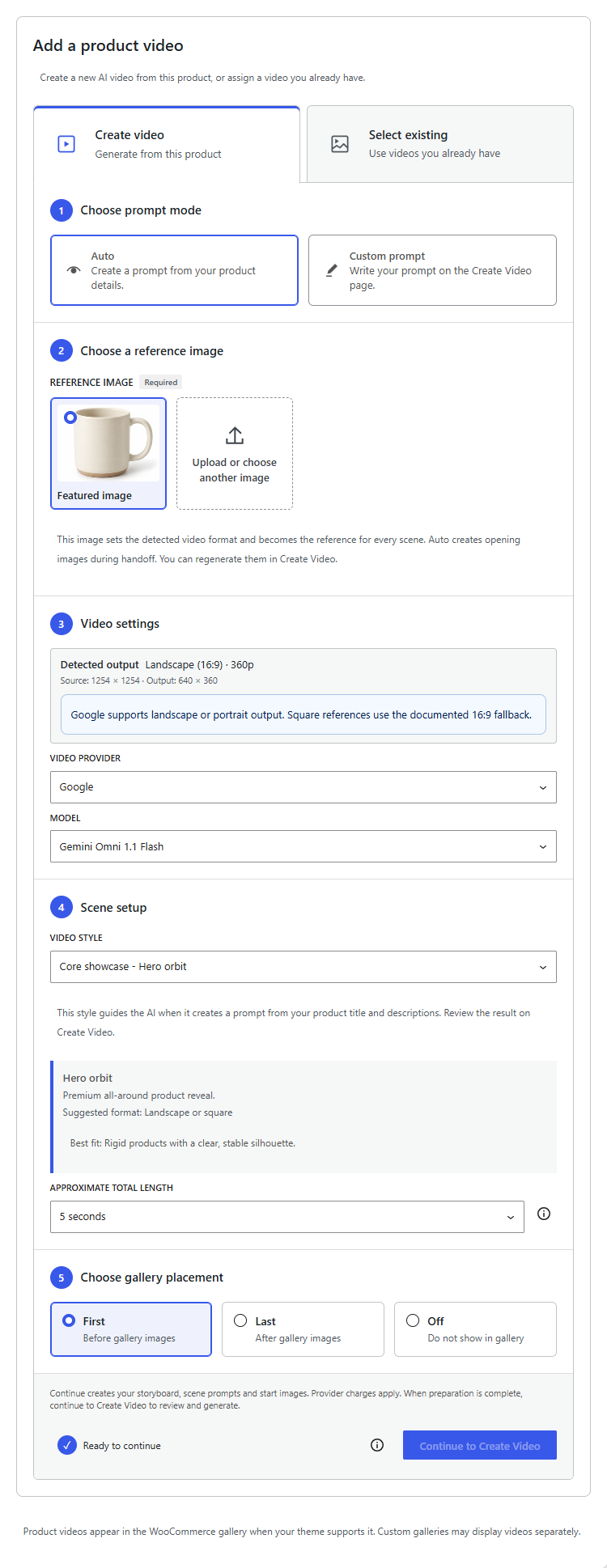
In a WooCommerce product’s VidFlow Product Video panel, Auto Continue sends plain-text title/descriptions and local style guidance to the selected text source. Unsaved text is included. It does not send images, prices, categories, tags or API keys in the text message. Two text requests can be charged by the selected text provider. Auto also sends the original reference and scene-image prompts to its image provider, with separate image charges. Read the preparation disclosure before Continue.
Choose Custom prompt to write your own video prompt in Create Video. Image and video generation are billed separately when you use them.
Image access is separate
Check image-model access separately from text access. The image tools use the Google key saved in VidFlow AI. Follow the Gemini opening-image guide for setup and cost details.