
Configure the main VidFlow AI settings after activation so generation, storage, notifications, and publishing behave predictably.
Content reviewed: October 18, 2026.
Watch the settings tutorial
Open settings
In WordPress admin, open VidFlow AI -> Settings. The settings screen is grouped into sections so you can connect services first and adjust workflow defaults later.
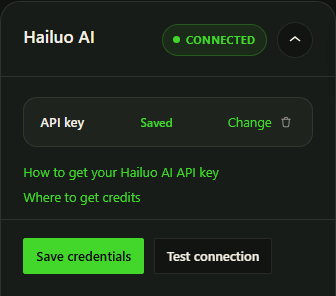
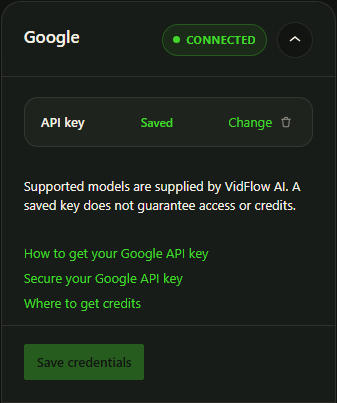
Main settings areas
- Connections: Hailuo AI / MiniMax and Google generation credentials, plus independent YouTube publishing credentials.
- Publishing: destination defaults and front-end playback preference.
- Media: storage settings for generated videos. Google always saves to protected local storage; Media Library storage is optional for Hailuo.
- Notifications: completion audio behavior.
- Advanced and Privacy: logging and uninstall cleanup controls.
Save and test credentials
- Open the provider you want to use first.
- Paste the required credential fields.
- Click Save Credentials.
- Click Test Connection after saving.
- If a secret field shows a masked placeholder later, leave it unchanged unless you want to replace the saved secret.
Google video generation and compatible Pro Gemini tools share one Google API key. Changing or removing it affects the tools using that connection. If you use Pro, see the Gemini setup guide for prompt and image tools.
Recommended first setup
- Connect one generation provider first instead of configuring every service at once.
- For Hailuo, leave optional Media Library storage off unless the site needs local copies.
- Choose a completion sound or disable it to suit your workspace.
- Configure YouTube only if you plan to publish completed videos.